

The crack in your setup usually isn’t the AI voice. It’s the handoff: a lead form that “sort of” discloses, a CRM that “mostly” stores proof, and a dialer that “sometimes” respects opt-outs. Today, in about 10 minutes, you’ll map a consent flow you can defend—because in the U.S., telemarketing compliance is less about perfect intentions and more about what you can prove. We’ll treat consent like a system: copy, data, and enforcement gates that fail safely when reality gets messy.
A “TCPA-proof” consent flow is less about one checkbox and more about a defensible chain: clear disclosure at capture, verifiable timestamps and source data, consent language tied to the specific dialing method, and a dialing system that enforces opt-outs instantly. Build a single consent record that follows the lead from form submission to every call attempt—then test it like a failure mode, not a happy path.
This is general educational information, not legal advice. TCPA and telemarketing compliance can vary by campaign type, dialing technology, state rules, and facts. If you’re scaling calls, operating across states, or using automation, review your flow with qualified counsel.
Table of Contents
Consent chain first: what “TCPA-proof” means in practice
“TCPA-proof” is a slightly dangerous phrase—because nothing is lawsuit-proof—but you can build a flow that’s hard to misread, hard to lose, and hard to argue with. The mindset shift is simple: consent isn’t a checkbox. Consent is a chain of evidence that survives tool changes, vendor swaps, and that one terrifying day when someone asks, “Show me exactly what the lead saw.”
The practical deliverable is a provable consent ledger: a single record that captures the disclosure text, when it was shown, how it was captured, and how it controlled dialing. If your record can’t answer “who/what/when/how,” you don’t have a ledger—you have a vibe.
Reality check: Your marketing team reads the form as persuasion. A plaintiff reads the form as evidence.
The deliverable: a provable consent ledger, not “good intentions”
A ledger is not a PDF screenshot floating in a Slack thread. It’s structured data you can export, filter, and reproduce. In plain English: if you use HubSpot for forms, Salesforce for CRM, and a dialer like Five9 or Dialpad, the ledger must survive every hop without turning into a game of telephone.
The real opponent: plaintiff screenshots + your missing logs
When things go wrong, the story is rarely “we tried to break the law.” It’s “we launched fast, the stack changed, the opt-out didn’t propagate, and nobody noticed.” That’s why your consent flow must be designed like an airplane checklist: boring, repeatable, and unforgiving in the best way.
Curiosity gap: which single field makes or breaks defensibility?
If you only pick one “must-not-lose” field, make it this: the versioned disclosure text the user saw at the moment of capture. Not a link to your current terms. Not a “latest version.” The exact language, stored with a version ID and timestamp. That one detail is the difference between “we think we disclosed” and “here’s what we disclosed.”
- Store the exact disclosure language shown to the lead.
- Keep a single consent record that follows the lead across systems.
- Make dialing behavior depend on that record—automatically.
Apply in 60 seconds: Add a “consent_text_version_id” field to your lead object today.
Who this is for / not for
Let’s save you from building a beautiful consent machine for the wrong use case. A TCPA-safe consent chain is easiest when you can point to a clear, user-initiated action (a form submission, a demo request, a quote request). It gets harder when the lead source is messy—or when “AI voice agent” secretly means “we’re calling everyone.”
Who this is for
- Inbound leads from your own website forms (quote, demo, consult, pricing requests).
- Booked demos where a call is expected and time-bound.
- Reactivation campaigns where you can prove prior permission and respect opt-outs.
- Multi-location brands that need one suppression list across franchises.
Who this is not for
- Purchased lists or scraped contacts dressed up as “leads.”
- “Consent later” outbound blasts: calling first, explaining later.
- Campaigns where nobody can answer, “Where did this number come from?”
If you’re unsure: the one-question risk test
Ask this: If a lead asks, “Why are you calling me?” can your agent answer in one sentence without sounding evasive? If your best response is “You interacted with our brand,” you’re not ready to automate.
Money Block: Eligibility checklist (yes/no)
- Yes/No: The phone number was captured directly from the consumer (not appended or guessed).
- Yes/No: The lead saw a clear disclosure about being contacted by phone (and automation, if applicable).
- Yes/No: You can reproduce the exact disclosure text version that was shown at capture.
- Yes/No: Opt-outs update a single global suppression list within minutes.
- Yes/No: Your dialer/agent can prove it checked consent before each call attempt.
Neutral next step: If you answered “No” to any item, fix that before you increase call volume.
The consent architecture map (Lead Form → CRM → Dialer → Agent)
Here’s the scene you’ve probably lived: a lead submits a form, the CRM creates a record, the dialer gets a phone number, and your AI voice agent starts working like a champ—until someone replies “STOP,” or claims they never consented, or the lead came from a partner landing page with different disclosure text. The break happens in the seams.
Step-by-step data flow diagram (what must persist at each hop)
- Disclosure + checkbox
- Consent text version
- Timestamp, IP, URL
- Single consent ledger record
- Immutable audit fields
- Lead source + campaign IDs
- “Can we call?” decision
- DNC + internal suppression
- Retry rules + quiet hours
- Identity + purpose
- Easy opt-out path
- Immediate stop signals
“Source of truth” rules: one consent record, many systems
Decide where your consent ledger lives (usually the CRM or a dedicated compliance store). Everything else becomes a consumer of that record. The dialer doesn’t “decide” consent; it enforces consent. The agent doesn’t “interpret” consent; it respects consent and stops when asked.
Open loop: why “we have the form submission” is often not enough
A form submission proves someone clicked something. It does not automatically prove what they saw, what they understood, and what you promised. Your job isn’t to win a philosophical debate about consent. Your job is to prevent ambiguity by design.
Short Story: The day your stack changes (120–180 words) …
You swap landing page builders on a Friday. The new form looks cleaner, loads faster, and converts 12% better. Everyone celebrates. On Monday, your calling volume ramps up. Two weeks later, someone forwards a complaint: “I never agreed to automated calls.” You search the CRM and find the lead, but the only “proof” is a boolean field: consent = true.
No snapshot. No text version. No source URL. You ask the growth team what the disclosure said, and they shrug—because the form template has already been updated twice. Now you’re stuck explaining a system that can’t reproduce its own past. The AI voice agent didn’t cause the risk; the missing record did. And the worst part? This wasn’t malice. It was momentum.
Lead form copy that survives screenshots (disclosures, checkbox, and proof)
Lead form consent is where most teams either (1) get too cute, or (2) get too vague. The safe middle is: clear, readable, specific to the contact method, and stored as a version. Think of your disclosure like airport signage: nobody wants to read it, but everyone needs to understand it the first time.
The consent block: plain-English disclosure that matches your dialing reality
If you’re using automation (including AI voice agents or dialers that place calls automatically), your disclosure should not hide behind “we may contact you.” It should say, in normal human English, what the user is authorizing: calls (and/or texts), the purpose (marketing vs transactional), and the mechanism (including automated).
Example (adapt with counsel)
“By checking this box, you agree that [Company] may contact you at the number provided with calls and/or texts, including by automated technology, for marketing and service-related purposes. Consent is not required to purchase. You can opt out at any time by saying ‘stop’ or replying STOP.”
Checkbox design: unchecked-by-default, placement, and friction that helps you
You want friction in exactly one place: right where the user grants permission. Not popups. Not tiny gray text. A clean checkbox (unchecked by default), placed immediately under the phone field, with disclosure text that can be read without zooming. That’s not just UX—it’s defensibility.
Let’s be honest… your form copy is “marketing,” your lawsuit is “evidence”
Teams love to optimize away “scary” words. But ambiguity is scarier. A disclosure that actually says what you do tends to reduce angry opt-outs later—and it creates a cleaner paper trail if someone claims they were surprised.
Mobile UX details that reduce “I didn’t see it” claims
- Keep disclosure text at readable size (avoid tiny footnotes).
- Don’t rely on color contrast alone; use spacing and headings.
- Repeat key terms (“calls,” “texts,” “automated”) once—no stuffing.
- If your form is multi-step, ensure consent is captured on the step with the phone field.
- Put consent next to the phone field, not in a footer.
- Say “automated” if you use automated dialing/voice tech.
- Store the disclosure as a versioned text snapshot.
Apply in 60 seconds: Add a “Consent details” tooltip or short subheading above the checkbox.
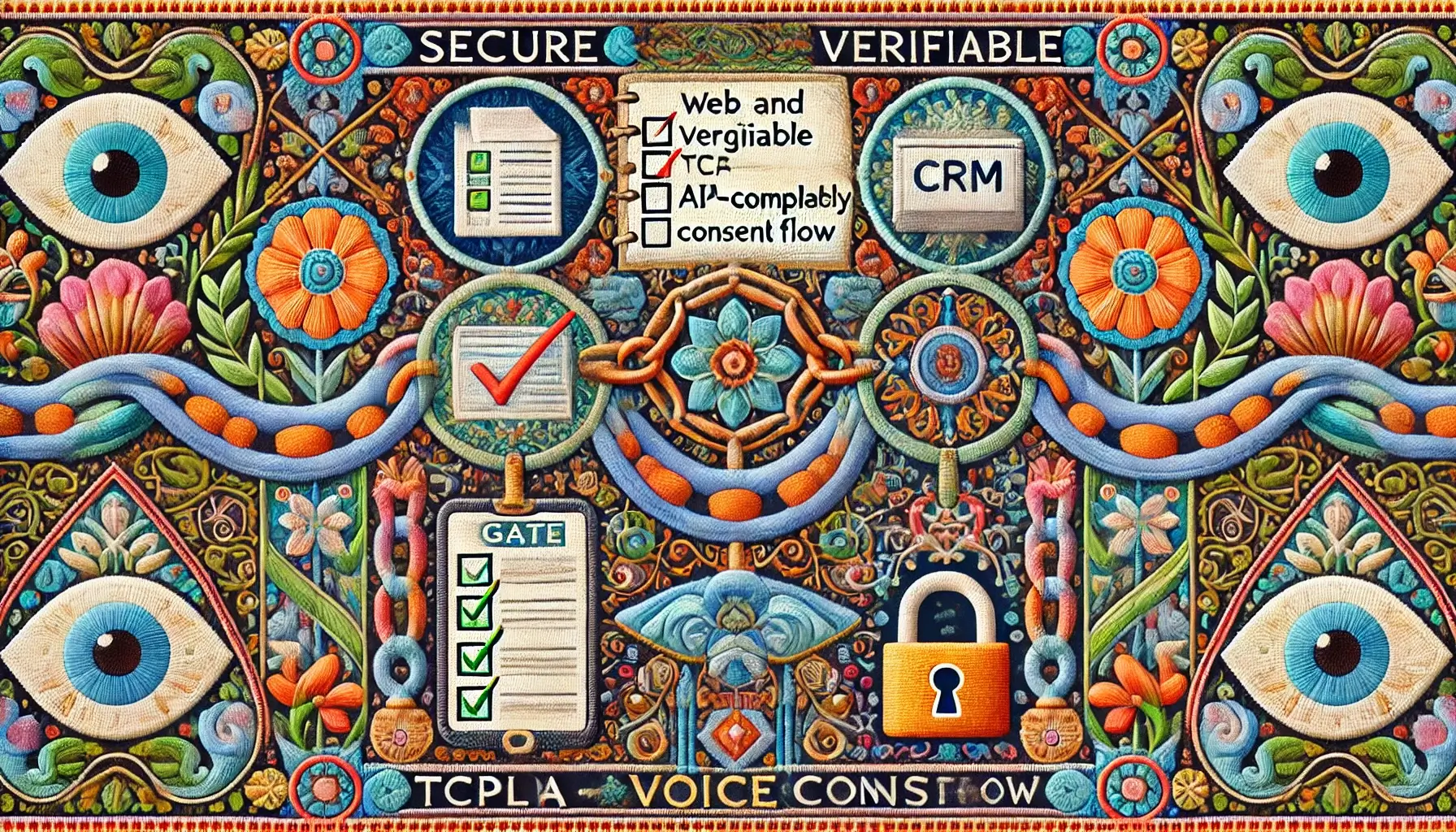
Double opt-in vs single-step consent: when each is the safer bet
Double opt-in (DOI) can be a strong layer of proof—but it’s not a magic spell. It can also backfire if your DOI message is vague or inconsistent with your form disclosure. The real question is: what failure mode are you trying to prevent?
DOI via SMS/email confirmation: what it adds (and what it doesn’t)
DOI can add a second timestamp and a second affirmative act, which is helpful when leads come from shared devices, call centers, or high-fraud channels. But DOI does not fix sloppy first-step disclosure. If step one is unclear, step two doesn’t make step one clearer.
When DOI is overkill—and when it’s cheap insurance
If your leads are high-intent (demo requests, quote requests) and captured directly on your domain, single-step consent can be enough—if your records are pristine and opt-out enforcement is immediate. If your traffic is mixed (partners, affiliates, marketplaces), DOI can be worth the conversion hit.
Money Block: Decision card (Single-step vs Double opt-in)
- Lead source is your owned site and trackable.
- Disclosure is clear, visible, and versioned.
- Suppression updates are fast and global.
Trade-off: Less friction, but less “second confirmation” proof.
- Lead sources include partners or affiliates.
- You’ve had “I didn’t submit that” disputes.
- Compliance posture matters more than conversion rate.
Trade-off: More proof, but higher drop-off and more engineering.
Neutral next step: Pick one flow for one channel first, then expand after you can export a clean audit record.
Curiosity gap: the “confirmation” message that quietly weakens your record
The DOI trap is sending a “Confirm your interest” message that never mentions calls/texts or automation—creating two records that contradict each other. If you do DOI, keep the language aligned. Consistency is the quiet superpower here.
The consent record schema (what to store so it’s audit-ready later)
This section is where grown-up compliance lives: not in a PDF, but in fields your systems can enforce. If you use tools like HubSpot, Salesforce, Twilio, Five9, Aircall, or Genesys, you want a schema that travels with the lead and can be exported without heroics.
Minimum fields (the “don’t make me guess” list)
- consent_status (granted / denied / revoked)
- consent_scope (calls, texts, both; marketing vs transactional)
- consent_capture_timestamp (UTC, not local guesswork)
- consent_capture_source_url (full URL, not just “website”)
- consent_text_version_id (your internal version key)
- consent_text_snapshot (the exact disclosure text shown)
- ip_address and user_agent (capture context)
- lead_source + campaign_id (owned / partner / referral)
- proof_artifacts (hashes, form template ID, or snapshot pointers)
- revocation_events (who/when/how opt-out happened)
Versioning: how to store the exact consent language the user saw
Treat disclosure text like product code: version it. The simplest approach is a small “consent_text_versions” table (or CMS record) keyed by ID. Each lead stores the ID and a text snapshot. If your CMS updates, your historical leads still point to what was shown at that time.
Proof attachments: page snapshot hashes, form HTML version, campaign metadata
You don’t need to hoard screenshots like a doomsday prepper. You do need to prove the disclosure existed and remained intact. One practical method is to store a hash of the consent block HTML and the form template version. The goal is reproducibility, not surveillance.
Here’s what no one tells you… most stacks can’t reproduce the original disclosure
CRMs love “current state.” Compliance needs “historical state.” If your form tool overwrites templates, your “proof” becomes a moving target. Build your own versioning layer early, while your call volume is still manageable.
Show me the nerdy details
Implementation note: store timestamps in UTC; use immutable event logs for revocations; and run a nightly job that verifies “consent_text_version_id” exists and matches a known template. If you do hashing, hash the normalized consent block (strip whitespace, normalize line breaks) so minor formatting changes don’t create false mismatches.
- Store both a version ID and the exact text snapshot.
- Log revocations as events, not overwritten fields.
- Make every call attempt reference the ledger record.
Apply in 60 seconds: Add “consent_text_snapshot” as a required field at form ingestion.
Dialing enforcement: turning consent into hard gates (not a policy doc)
The biggest compliance gap I see in real stacks is not “bad copy.” It’s soft enforcement: the rules exist in a doc, but the dialer doesn’t actually block calls when data is missing or ambiguous. Your safest system is one that refuses to dial when it’s unsure.
“Can we call?” decisioning: scope, timing, channel rules, retries
Before each call attempt, compute a simple decision: ALLOW, DENY, or REVIEW. “REVIEW” is underrated. It’s how you prevent “oops calls” when a lead record is incomplete, imported, or mislabeled.
- Scope check: calls vs texts; marketing vs transactional.
- Freshness check: was consent captured recently enough for the context?
- Channel check: does the ledger permit automated contact methods?
- Retry rules: cap retries; avoid burst dialing; respect quiet hours.
DNC & suppression lists: internal + external, and how they propagate
Your enforcement needs two layers: a global internal suppression list (“do not contact”) and your process for honoring National Do Not Call Registry screening where applicable. The key is propagation: if a lead opts out in one system, every system must know quickly.
Revocation handling: STOP, “don’t call,” voicemail callbacks, agent-side flags
Make revocation easy, immediate, and boring. If someone says “stop calling,” your agent should acknowledge it and then stop. No persuasion. No “are you sure?” (This isn’t a breakup; it’s an opt-out.)
Open loop: the hidden failure point—your AI agent’s fallback behavior
Here’s the sneaky place teams lose control: the agent can’t parse the user’s intent (“stop,” “not now,” “wrong person,” “take me off”), so it falls back to a sales script. That’s not just bad UX. It’s a compliance risk. Your agent needs a conservative fallback: when in doubt, pause, confirm, or end.
Money Block: Mini calculator (Consent Fragility Score)
This is not legal advice. It’s a quick internal heuristic to spot where your consent chain is brittle.
Score: (run the calculator)
Neutral next step: If you land in Medium/High, fix the weakest input first (snapshot, opt-out time, or source control).
- Use ALLOW / DENY / REVIEW decisioning.
- Make suppression global and fast.
- Design conservative fallback behavior for ambiguity.
Apply in 60 seconds: Add a “REVIEW queue” state for leads missing consent_text_version_id.
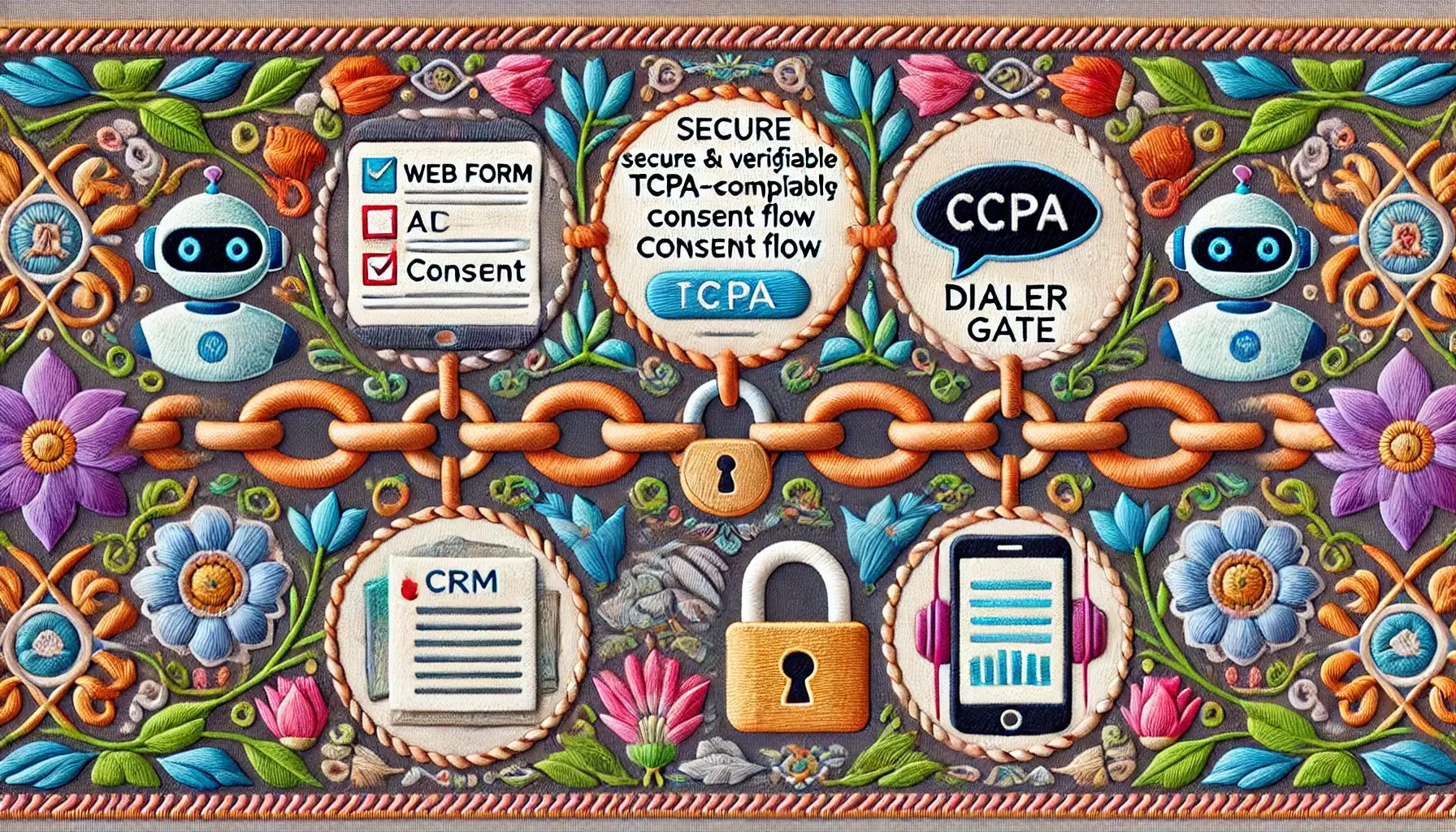
AI voice agent scripting that reduces legal ambiguity (without sounding scary)
The best compliance script doesn’t feel like compliance. It feels like clarity. Your agent should sound like a competent assistant who knows why it’s calling, can explain that reason, and won’t argue when someone opts out. (And yes: your conversion team may grumble for five minutes. They’ll survive.)
Consent reminder moments: where to place them so they don’t tank conversion
Put reminders where humans expect context: the opening line and any moment you change topics or ask for sensitive info. Keep it short. Don’t read a manifesto. The purpose is to reduce surprise, not to win a debate.
Disclosures that fit conversation: short, clear, consistent
- Identity: “Hi, this is [Name] calling from [Company].”
- Purpose: “You requested a demo/quote on our site.”
- Control: “If now isn’t a good time, tell me ‘stop’ or ‘call me later.’”
Escalation paths: when the agent should stop, transfer, or schedule
Build three safe exits: (1) stop and confirm opt-out, (2) transfer to a human, (3) schedule a callback. If the user says “wrong person” or “don’t call,” the agent should not attempt persuasion. It should confirm and exit.
If they hesitate, do this, not that
If the user sounds confused, your agent should anchor to the lead action (“You requested X on [site/page]”), offer a quick opt-out, and stop if asked. The “not that” is pushing through a pitch while the user is still trying to figure out who you are.
Practical rule: Confusion is not a conversion obstacle. It’s a stop sign.
Common mistakes (the expensive ones you can prevent this week)
Mistakes happen because calling stacks are built by many hands: growth, RevOps, engineering, vendors, and sometimes that one heroic generalist who owns three dashboards and a dream. This is the “save yourself future pain” section—bookmark it.
Mistake #1: burying consent in a footer or “terms” link
If the disclosure isn’t visible at the moment the phone number is entered, it’s easier to claim the user didn’t see it. Keep it near the phone field, readable on mobile, and versioned.
Mistake #2: consent text doesn’t match your dialing tech
If you use automated calling or AI voice, but your disclosure implies manual outreach, you’ve created mismatch risk. Alignment is the quiet work that prevents loud problems.
Mistake #3: losing the consent record at the CRM → dialer handoff
If your dialer only gets “phone number + name,” your dialer can’t enforce consent well. Pass the consent ledger fields—or provide an API lookup at call time. “We’ll sync it later” is how drift begins.
Mistake #4: opt-out isn’t global and instant
The easiest way to create conflict is calling someone again after they opted out—especially from a different system. Make opt-out events write to one global suppression list that every tool checks before dialing.
Mistake #5: re-consenting wrong (or too late) after a lead goes cold
Old leads are tempting. But old leads with unclear records are a trap. If you need to re-consent, do it cleanly—don’t “retrofit” consent by guessing what happened months ago.
- Match disclosure language to how calls are placed.
- Never let consent fields vanish in integrations.
- Make opt-out global, fast, and irreversible by default.
Apply in 60 seconds: Add a “suppression_check_passed” log field to each call attempt.
When to seek help (and who to bring in before you scale)
There’s a point where “we’ll DIY it” turns into “we’re betting the company on a spreadsheet.” If you’re near that point, getting help is not weakness—it’s cheaper than learning by lawsuit.
Red flags that warrant counsel review
- You’re increasing call volume fast (especially across multiple states).
- You use automation and you’re unsure how your dialer is categorized legally.
- Lead sources include partners, affiliates, marketplaces, or offline events.
- Your opt-out propagation time is “eventually.”
- Your consent language has been changed without version tracking.
Vendor due diligence: what to demand in writing
Whether you’re working with a voice platform (like Twilio), a CRM, or a contact center/dialer vendor (like Five9, Genesys, or Dialpad), ask for:
- Exportable call logs and consent-check logs (not just dashboards).
- Suppression list APIs and documented propagation timing.
- Ability to store and retrieve custom fields (consent version IDs, snapshots).
- Clear support for STOP / opt-out signals and agent escalation rules.
Money Block: Quote-prep list (what to gather before comparing tools)
- Your top 3 lead sources (owned, partner, paid) and where forms are hosted.
- Dialing method(s): manual, power dialer, predictive, AI voice automation.
- Current opt-out handling: where it’s captured and how it propagates.
- Fields you can store today (and where): versioned consent text, IP, timestamps.
- Call volume range: pilot vs scale (ballpark only).
- Who owns what: legal, RevOps, engineering, support.
Neutral next step: Put this into a one-page doc before you talk to vendors or counsel.
Internal owner: who should “own” consent (and why it’s rarely legal alone)
Legal should set requirements, but enforcement lives in RevOps and engineering. The best owner is usually a cross-functional pair: one operator who owns the CRM/dialer stack and one compliance stakeholder who signs off on copy and process.
Next step: build a one-page Consent Flow Spec (copy + schema + gates)
Your next best move is not rewriting your entire funnel. It’s building a one-page spec that forces clarity—and then running a “broken chain” test on 10 leads. You’re looking for the weak link: where proof disappears or enforcement gets soft.
What your one-page spec should include
- Form disclosure text (the exact words) + a version ID
- Checkbox behavior (unchecked by default; where it appears)
- Consent ledger schema (fields you store, where they live)
- Dialing gate rules (ALLOW/DENY/REVIEW decisioning)
- Opt-out flow (capture → global suppression → confirmation)
- Agent stop behaviors (what triggers immediate exit)
Run the “broken chain” test on 10 leads
For each lead, answer these in under 60 seconds:
- Can I reproduce the disclosure text the lead saw?
- Can I prove when and where consent was captured?
- Can I show the dialer checked consent before dialing?
- If the lead opts out, how fast does every system stop?
- Write the one-page spec.
- Test it on real leads (broken chain test).
- Fix the weakest link before scaling volume.
Apply in 60 seconds: Create a “Consent Flow Spec” doc and paste your current disclosure text into it.
FAQ
What counts as “prior express written consent” for marketing calls?
In practice, it means you have a clear record that the consumer agreed to receive marketing calls at a specific number, after seeing a clear disclosure of what they were authorizing. Exact requirements can depend on how you place calls and the context, so align your disclosure, records, and dialing method—and confirm details with counsel.
Do I need a checkbox, or is form submission enough?
A checkbox can make the user’s affirmative action clearer, especially for marketing calls and automation. But a checkbox alone isn’t the point—the point is a defensible chain: visible disclosure at capture, versioned text stored, timestamps and source data, and dialing gates that enforce what the user agreed to.
Does double opt-in make me TCPA-compliant automatically?
No. Double opt-in can add helpful proof, but it doesn’t fix unclear disclosures or weak enforcement. If your DOI message conflicts with your form disclosure, it can even create new ambiguity. Consistency and audit-ready records matter more than the number of steps.
Can I call leads who asked for a quote but didn’t check the box?
Treat this as a “REVIEW” scenario. If your flow requires explicit consent for certain types of calls, don’t route these leads into automated dialing. Consider alternate channels (email) or a compliant re-consent step—designed and reviewed with counsel.
How long does consent last for AI voice calls?
There isn’t a single universal “expiration date” that applies to every context. A safer operational approach is to define time windows by campaign type, avoid calling stale leads with unclear records, and re-confirm permission when a lead is cold or the purpose changes.
What logs do I need to prove consent later?
You want logs that connect the dots: capture context (timestamp, source URL, IP/user agent), versioned disclosure text snapshot, consent scope/status, call attempt logs showing consent checks, and opt-out/revocation events. If you can export this quickly, you’re in a much better place.
If someone says “stop calling,” what’s the required next action?
Operationally: stop and record it immediately, update your global suppression list, and prevent future calls across all systems. Don’t debate. Don’t negotiate. Design your agent and dialer so “stop” is a hard stop.
Are AI voice agents treated differently than human callers under TCPA?
The practical risk isn’t that “AI is special.” It’s that AI voice is often paired with automation and scale. That’s why your disclosure, proof, and enforcement gates matter even more—because mistakes multiply faster.
Close the loop: launch a safer pilot (and keep it boring)
Remember the hook: the risk isn’t “AI voice.” It’s the handoff. The good news is you don’t have to boil the ocean. Build the consent ledger, version your disclosures, enforce dialing gates, and make opt-outs global and fast. That’s the whole game.
If you do one thing in the next 15 minutes, do this: pick one channel (your highest-intent form), write the one-page Consent Flow Spec, and run the broken chain test. You’ll find at least one weak link. Fix it. Then—and only then—turn up volume.
Last reviewed: 2026-01-12